
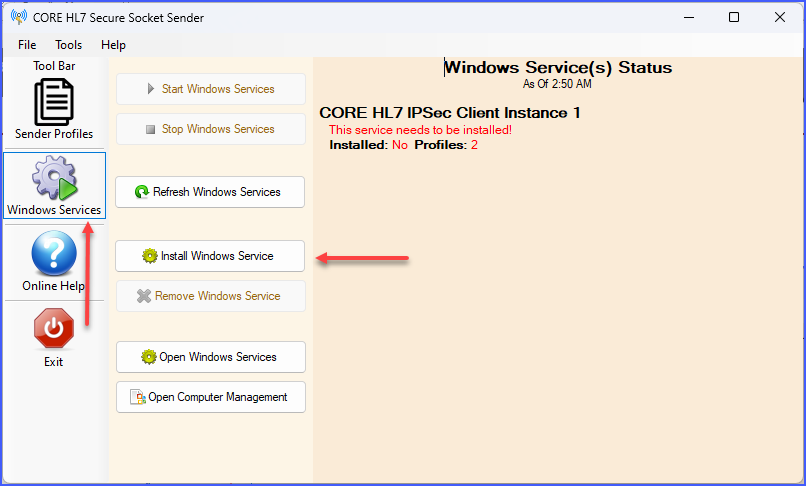
To run the MS Windows Service is simple. After you have created your Sender Profile(s), just click the Windows Services button on the toolbar.
The Windows Service (Installing the Service)
IF you haven't installed your Windows service yet it will look similar to the Screenshot above. Just click Install Windows Service and wait a couple of seconds for the install routine to finish.
The Windows Service (Installing the Service)
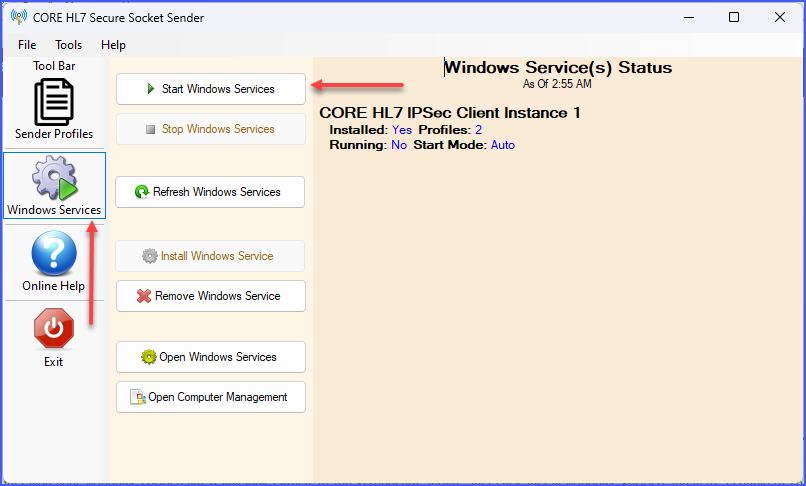
Once the Windows service has been installed just click Start Windows Services to start your service.
Showing the Windows Service
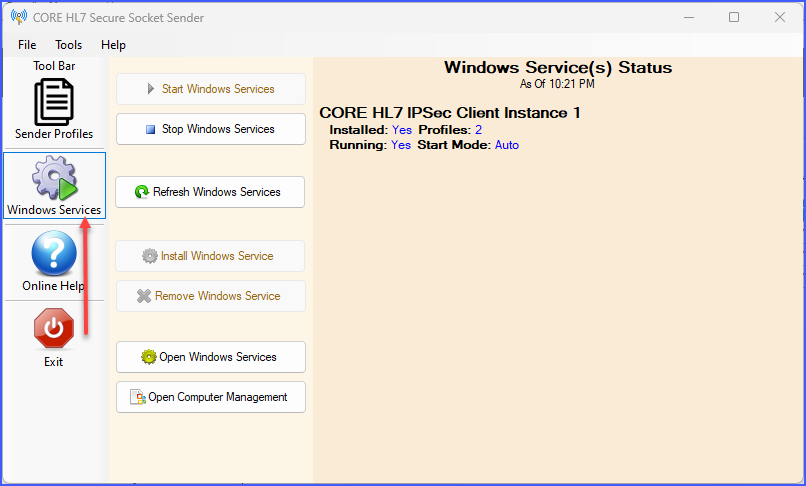
And voila! Your CORE HL7 IPSec Client sender(s) are all now running as a service. You can create multiple Sender Profiles and they are all run simultaneously by the Service program in different executing threads.