
When we refer to "Running Locally" we mean running ONE (1) of your Sender Profiles in an immediate window so that you can watch what is happening in real time. In order to do this the MS Windows Service (if you have it installed) MUST be stopped.
To Run Locally use the Right Click to click on one of your ENABLED Sender Profiles and click Run.
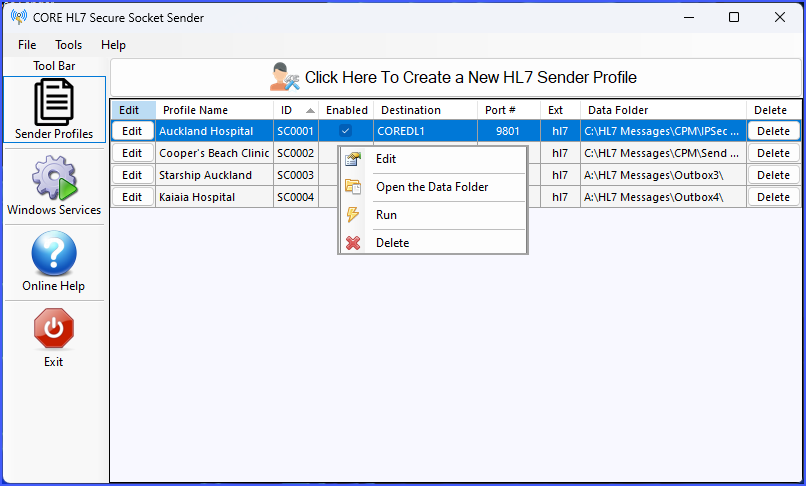
Main Window (Profiles)
This will open up the Run Profile Locally window.
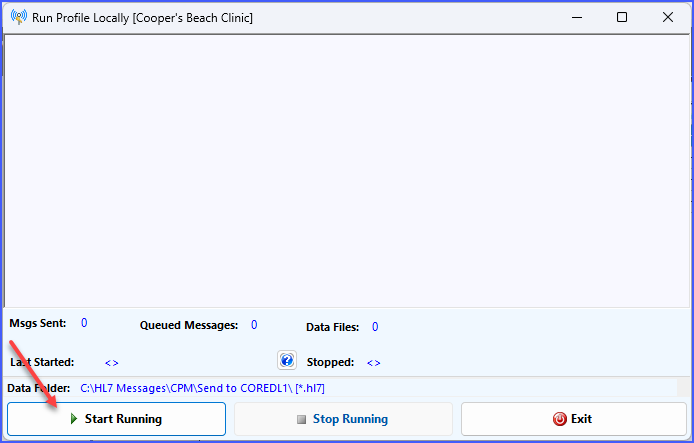
Run Locally Watiing To Start
Click Start Running to begin.
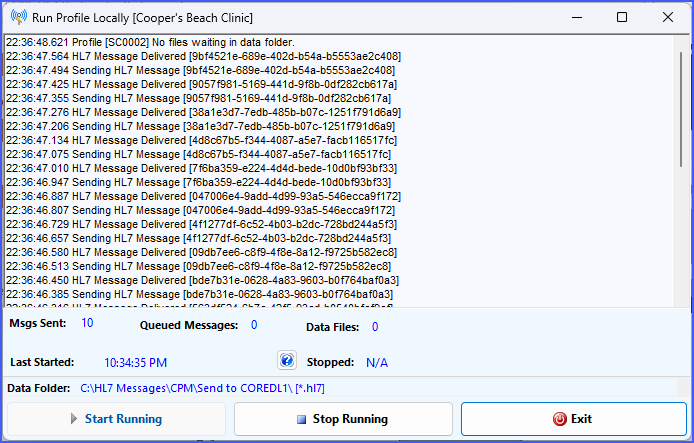
Run Locally Actively Working
See Also: Running As A Service