
When you first start the program you have nothing configured.
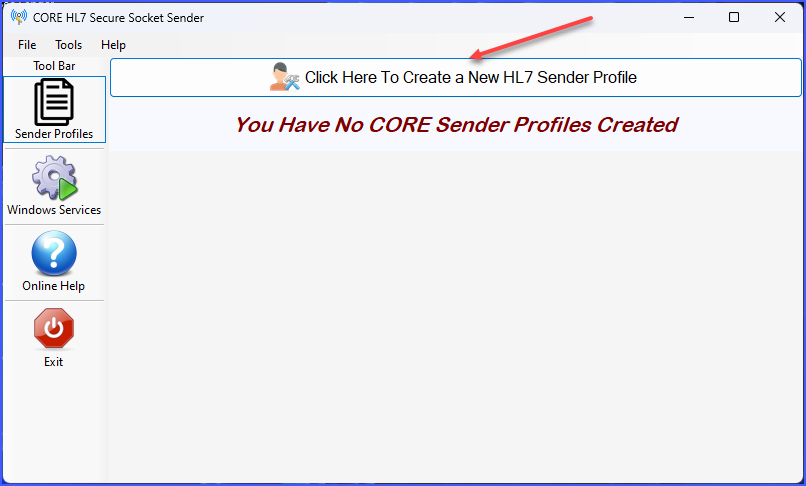
Main Window (No Profiles)
Just click the button indicated above and start creating your sender profiles. There are a few things that you will need to know before you can begin.
•This program SENDS HL7 messages. That means that it represents 1 half of a HL7 interface. Like going to the dance, you must have a partner. So you will need to know with whom you are going to exchange information. Who is your Trading Partner?
•After you set up a Sender Profile you will want to arrange a "test" implementation with your Trading Partner to verify that everything works. There may be issues with Firewalls which (both yours and theirs) which need to be resolved. While testing you should FIRST use the Run Locally feature. Once that works then you try Running As A Service and verify that this works also.
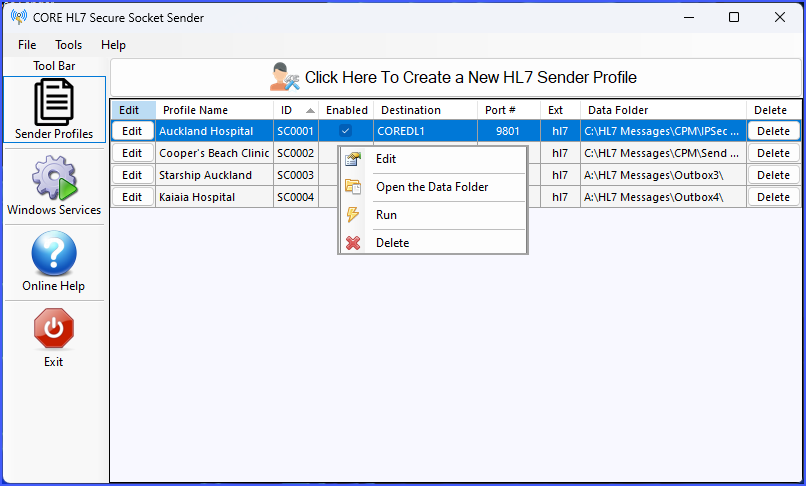
Main Window (Right Click Menu)
See Next: Creating Sender Profiles