The Main Window
The main window will show you all of your configured HL7 Schema profiles as well as your product license information (Demo or Live). After your system starts for the first time you'll want to create at least 1 database schema profile.
From the main window you can also open the global settings window, run system reports, validate your profiles, access online help and download some other useful tools from our website. You can also check the status of the windows service by clicking on the refresh  button of the Windows Service Status toolbar.
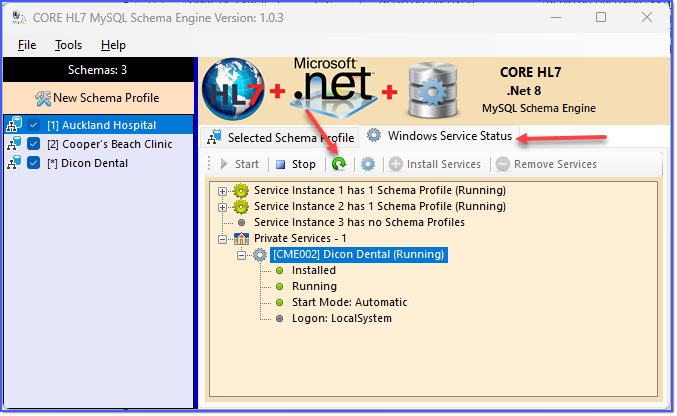
The Main Window (Services Display)
Your Next Steps
•See Activation for how to get started today.
•Learn how to configure the Global Settings.
•Start Creating Your Schema Profiles.